Updating the voicemail message inside the Jetphone app can be done for Direct Numbers. This can also be done via the online Jet Hub, explained here
Contents:
1. Desktop
2. Mobile
On Desktop:
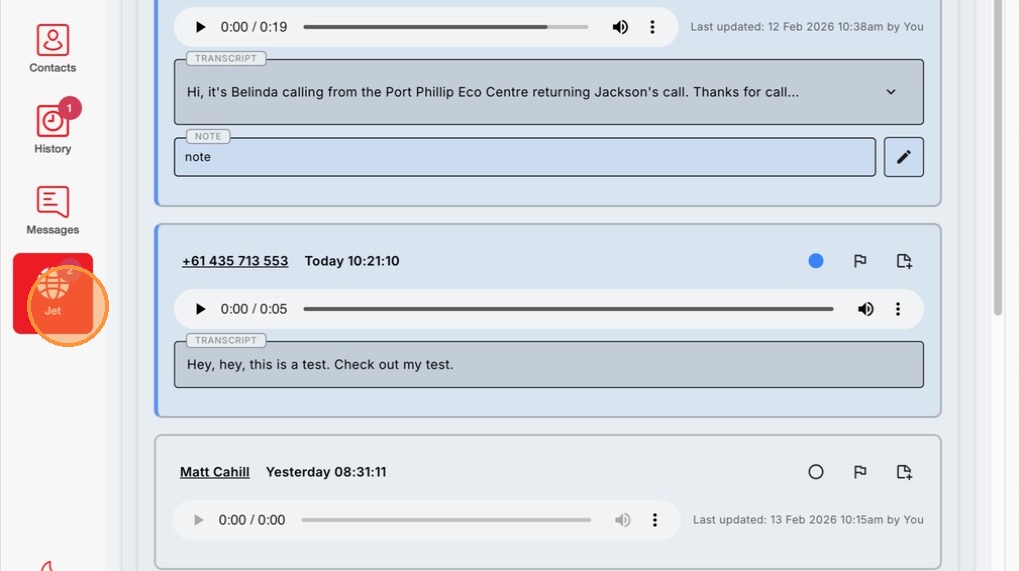
1. Click on the Jet Tab to the left side of the screen.
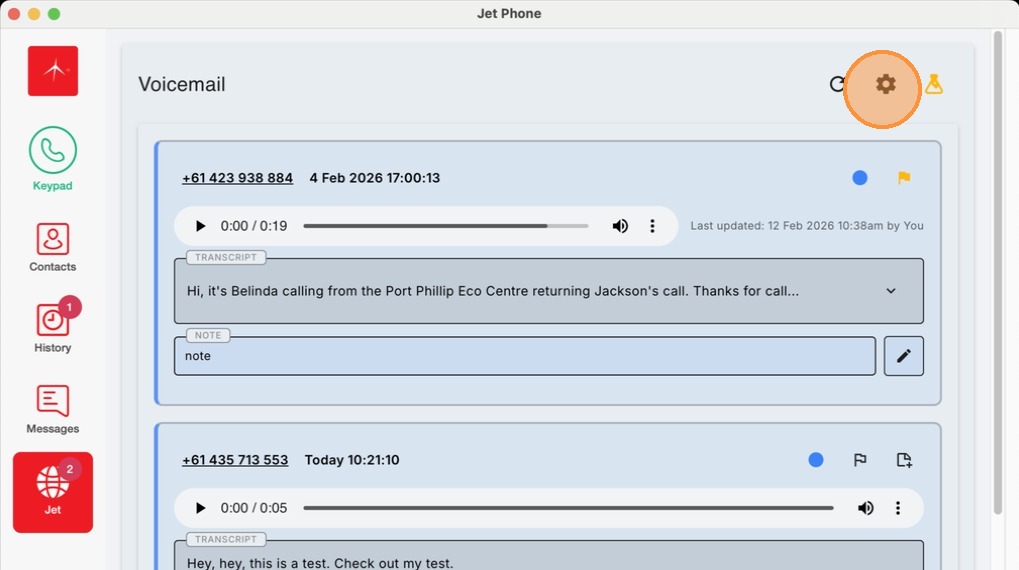
2. Click the Settings cogwheel in the top right of the app
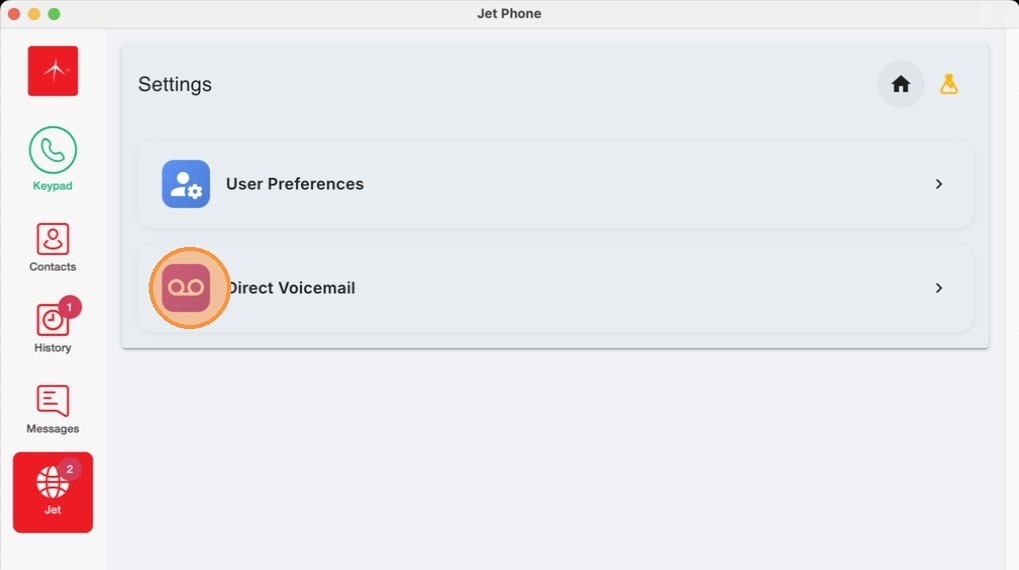
3. Click the Direct Voicemail option menu.
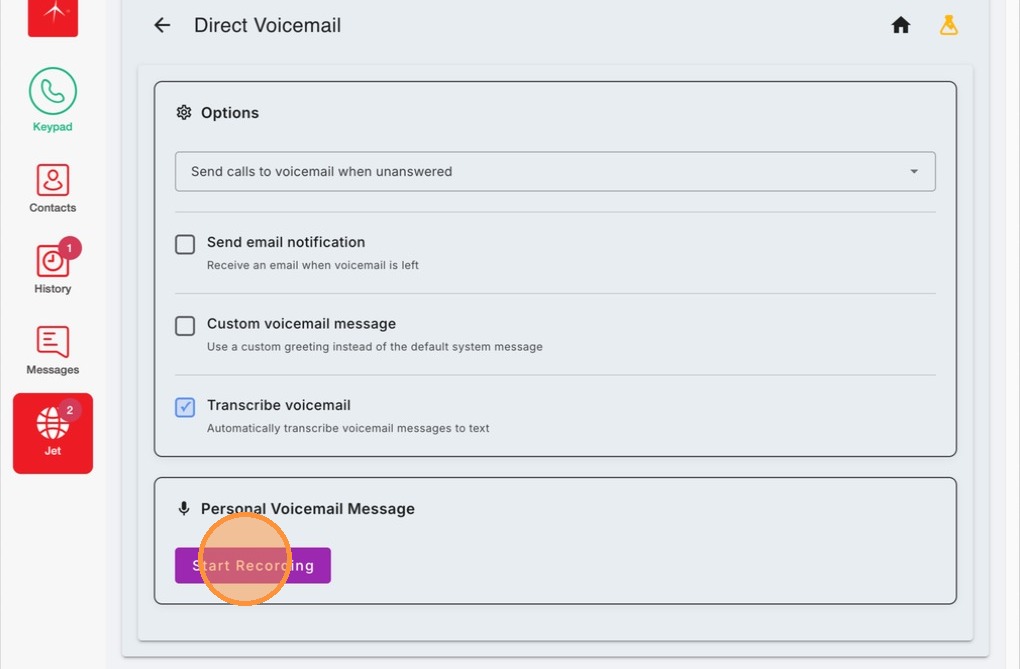
4. Here you'll find a number of settings for your voicemail box including setting up emails notifications and disabling voicemail transcription. Click Start Recording to record a voicemail message.
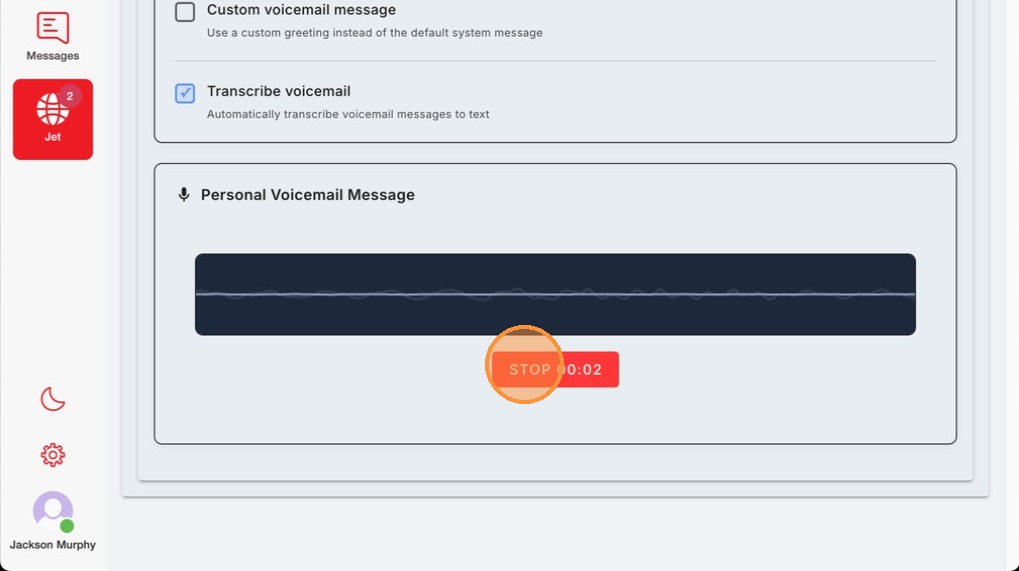
5. Click Stop when you are done
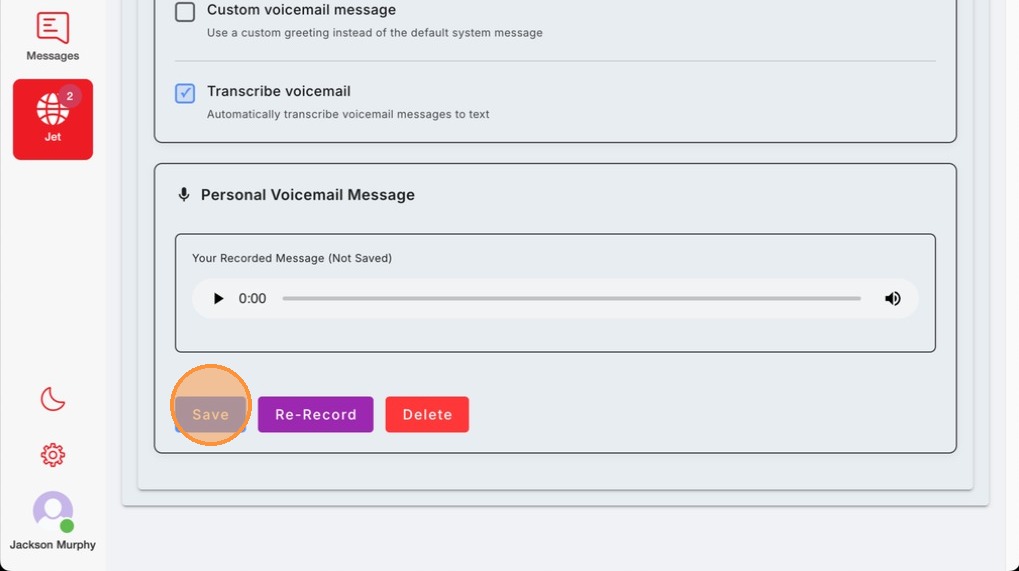
6. Click Save in the bottom left
On Mobile:
- Click the Jet Tab in the top right to see your voicemails
-
Click settings cog wheel in the top right
3. Here, you can change your voicemail settings including email notifications and transcribing along with the ability to record a new voicemail message by clicking the "Start Recording" button.