Transferring a call
Calls can be transferred to a target by way of a warm or attended transfer. In an attended transfer, the first party speaks to the target before transferring the call.
You can make a transfer from the Phone dial pad, from Contacts, or from History. Using the dial pad If you know the number, you can use the dial pad to make an attended transfer.
To make a transfer
-
Click Hold to put the first call on hold
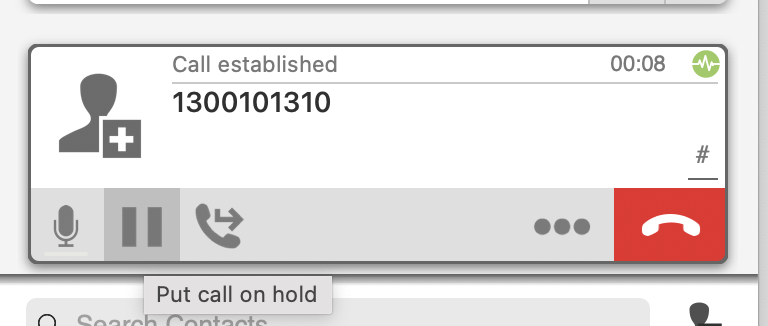
-
Place a second call by typing in your number or using the Phone (Dial Pad), Contacts or History to place your second call.
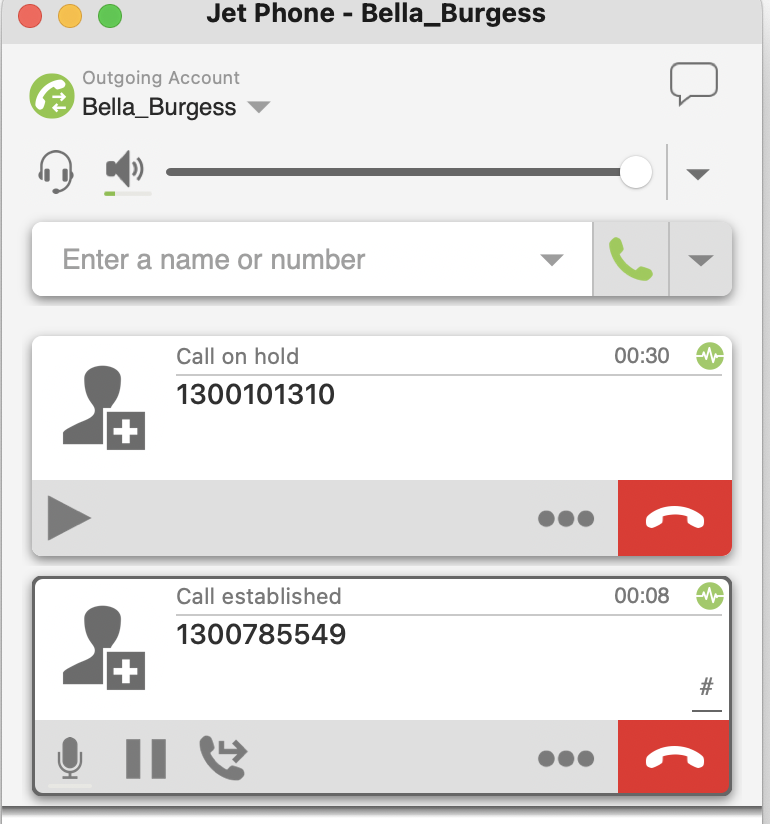
- When you are finished speaking with the intended transfer recipient, click the Transfer icon next to your Active.
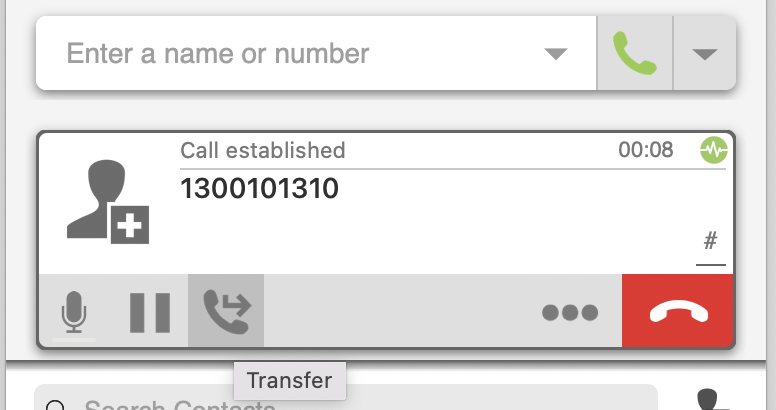
- Type in the phone number or extension you wish to transfer this call to, and select the Call First option.
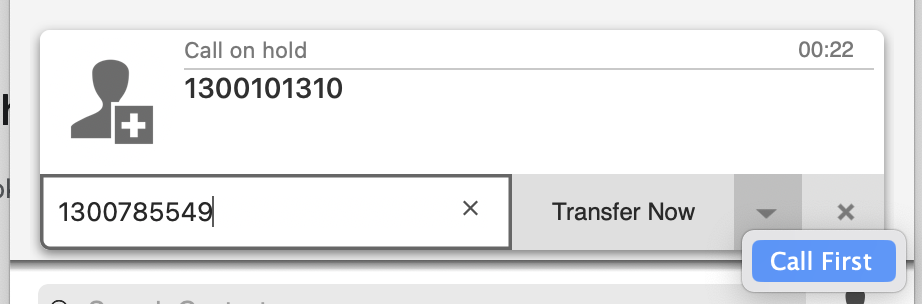
- When you have finished speaking to your seconds, call select the Transfer button again. This will connect your two calls to each other and disconnect you.
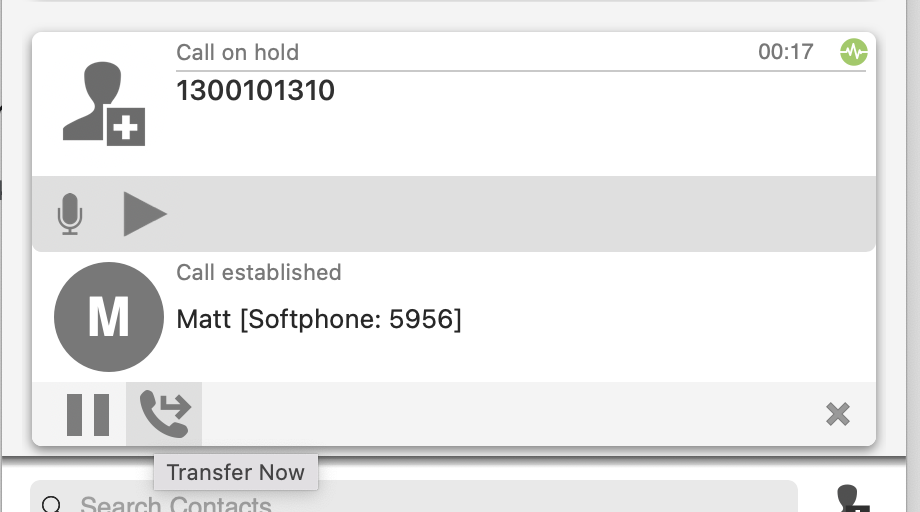
Click on Transfer Now