To place a call using Phone dial pad
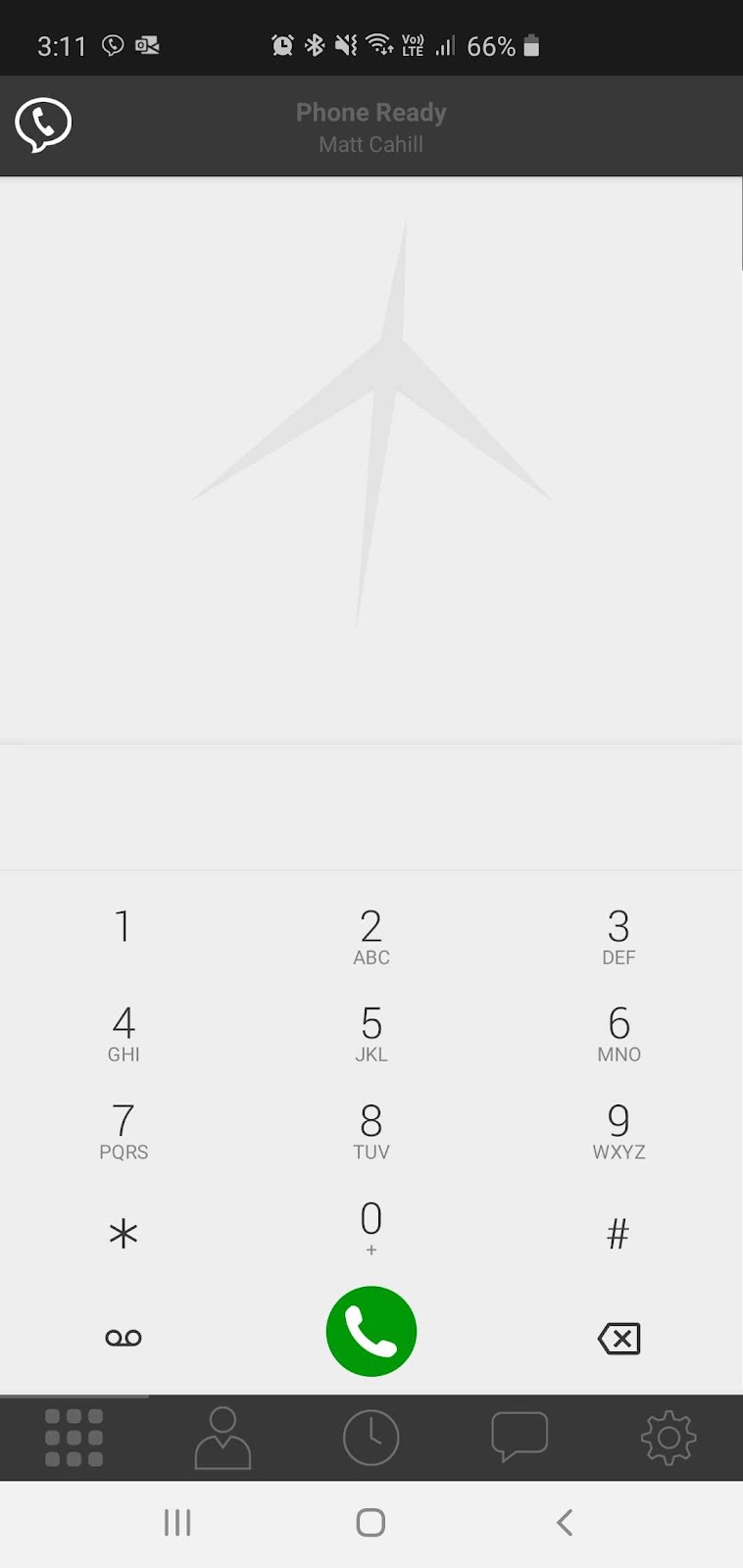
Go to the Phone tab on the resource panel.
Type the number you want to dial. Tap X Clear Number to clear the entry or tap in the entry field to bring up the keyboard. Tap RETURN to close the keyboard.
Tap Dial or tap on the contact that may be prefilled. Jet Phone will begin the call.
To place a call using Contacts
Users can choose to upload their contact list into the Jet Phone. If a full upload is not required, you can also add certain regular contacts specifically into the Jet Phone application.
Go to the Contacts tab on the resource panel.
Select a contact by tapping on the contact or typing their name in the Search bar and tapping on the contact. Contact Details opens.
Tap the number you want to dial. Jet Phone will begin the call
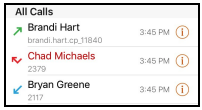
To place a call by using History
Go to the History tab on the resource panel.
Tap the history entry containing the contact you want to call.