This article will show you how to manage your payment methods.
For more information on our Invoices and Payments, please view our article on Managing Invoices & Payments.
You can view and manage your payment methods in the far right panel.
This panel will show a list of all active payment methods on your account. A payment method can either be a credit card, or an Australian bank account.
The payment method used for your automatic direct debits will be marked with a green star.

If you have multiple payment methods, you can use the Actions panel to change the default method or delete the extra method on file.

For more information on our Invoices and Payments, please view our article on Managing Invoices & Payments.
View your payment methods
You can view and manage your payment methods in the far right panel.This panel will show a list of all active payment methods on your account. A payment method can either be a credit card, or an Australian bank account.
The payment method used for your automatic direct debits will be marked with a green star.
If you have multiple payment methods, you can use the Actions panel to change the default method or delete the extra method on file.
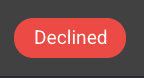
If any of your payment methods have been declined, this will show next to the payment listing.
Please note - you cannot delete the default payment method on file.
Payment will be processed on your Invoice Due Date, and if you wish to change these details, please do this before your payment date.
Add a new payment method
In order to make a payment, you will need to have your payment method already set up.To add a new payment method, click Add Payment Method.

Choose if you would like to add a new credit card, or a bank account, as your payment method.
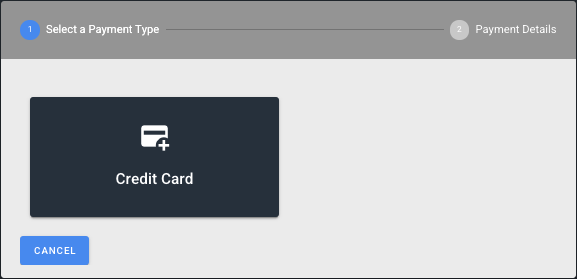
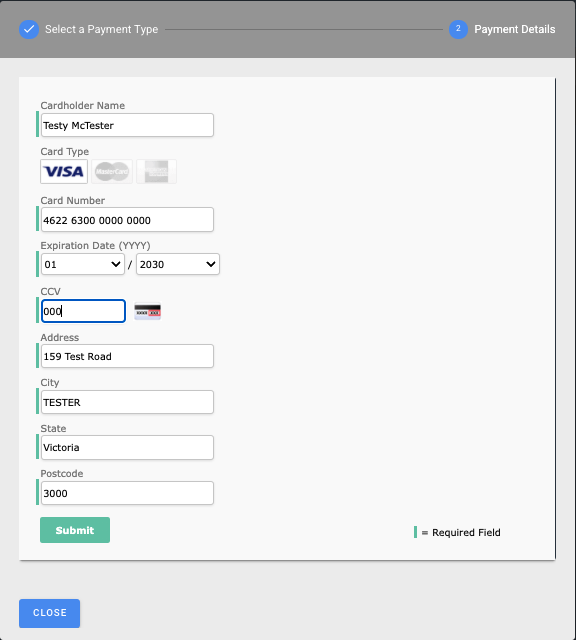
Fill out the required field for each option, and click Submit to save.
You can then use your Actions to change your default payment methods, or Make A Payment using this new payment method.